How To Play Little Big Planet On PC
14 August 2026 | 261
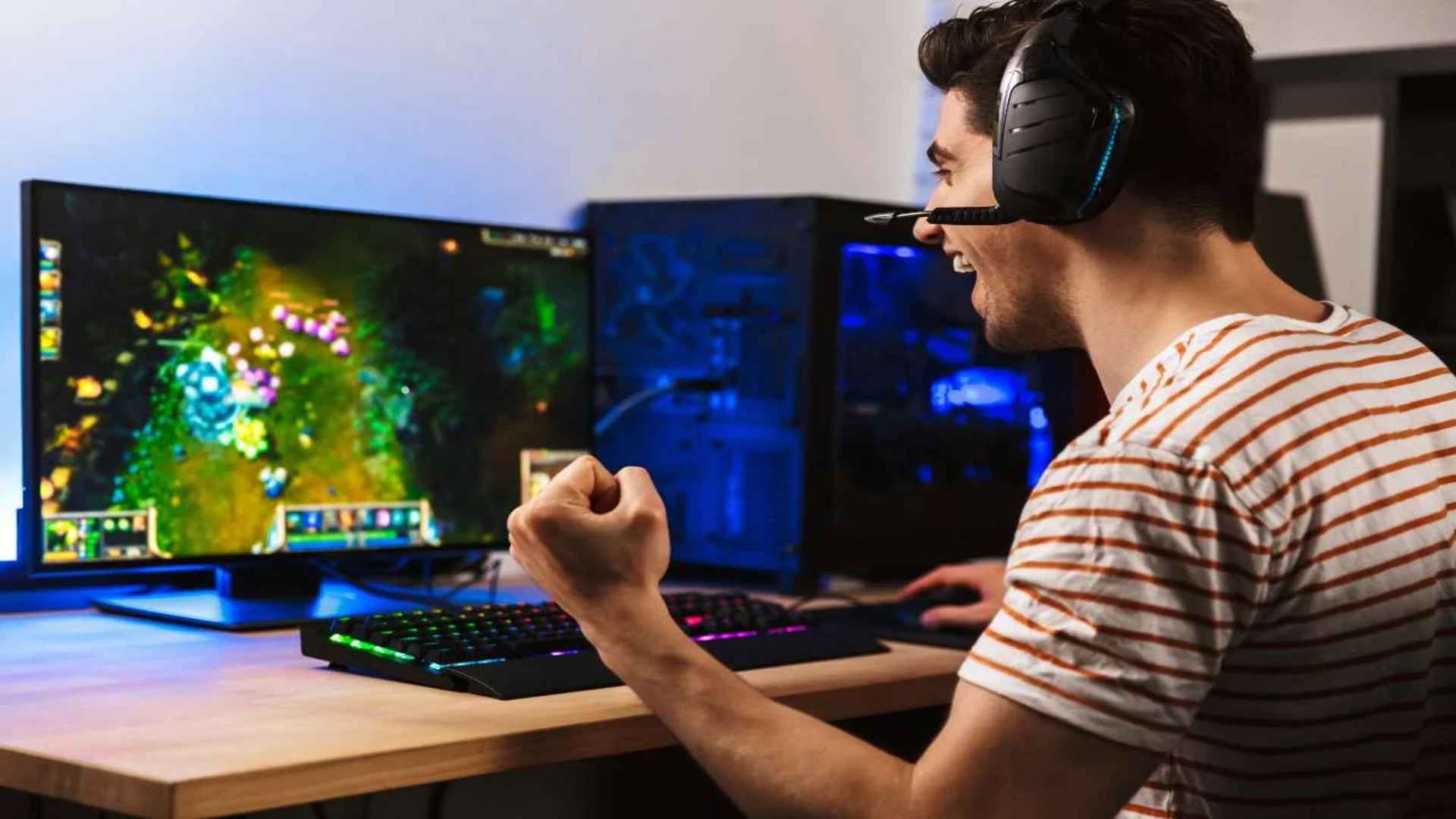
The whimsical world of LittleBigPlanet has captured the imagination of millions, but its restriction to legacy PlayStation hardware leaves many modern players searching for alternative ways to explore its creative levels. Bringing Sackboy to your desktop environment requires specific emulation software capable of translating complex console architecture into PC-compatible data. Understanding how to manage these system assets ensures that you can experience the charm of Media Molecule's iconic platformer directly on your computer monitor.
Understanding PlayStation Emulation for PC
To run the original console game files on modern computers, players must rely on advanced emulation software like RPCS3 for PlayStation 3 games or PPSSPP for handheld versions. These tools function by mimicking the specific hardware chips found within the original consoles, creating an isolated digital environment where your game files can run. Having a modern computer configuration with a multi-core processor and a dedicated graphics processor remains essential for achieving consistent frame rates during busy custom stages.
Acquiring the necessary files requires you to dump your own legally purchased game disc using a compatible Blu-ray drive or a modified console system. Once you have successfully backed up your files, you must also download the official system firmware directly from the manufacturer to allow the software wrapper to initialize properly. Keeping your computer graphics drivers fully updated before launching the game prevents unexpected visual artifacts or system crashes during your initial gameplay tests.
Configuring Settings for Optimal Performance
Achieving a smooth interactive experience in this platforming classic depends heavily on tailoring your software settings to match your specific hardware capabilities. Navigating into the configuration menu allows you to switch your video rendering backend to Vulkan, which generally provides superior stability and speed compared to older rendering alternatives. You can also adjust your internal resolution settings to scale the graphics up to beautiful high-definition standards without putting too much strain on your modern components.
Audio configuration is equally important for preserving the atmospheric soundtrack and narrative depth that the franchise is widely celebrated for. Enabling specific memory patches within the game properties can resolve common performance bottlenecks and eliminate noticeable micro-stuttering during quick platforming sequences. If you encounter unexpected performance dips, reducing the antialiasing level can immediately free up system memory and stabilize your target frame rate.
Connecting Input Devices and Custom Controls
While playing with a standard keyboard configuration remains entirely functional, navigating the physics-based environment of the game feels significantly more intuitive when utilizing a modern gamepad accessory. Most software packages feature native compatibility for popular desktop gamepads, allowing you to quickly assign your thumbsticks and mechanical triggers to mimic traditional console inputs seamlessly. Ensuring your controller layout is perfectly calibrated prevents missed jumps or awkward character positioning when exploring tricky hidden areas.
Advanced users can also configure motion controls if their specific hardware choice supports gyroscopic tracking features. This extra configuration step enables you to manipulate the expressive facial features and physical gestures of your character just like the original release intended. Taking the time to save your customized control profile guarantees that your input preferences load automatically during future gaming sessions.